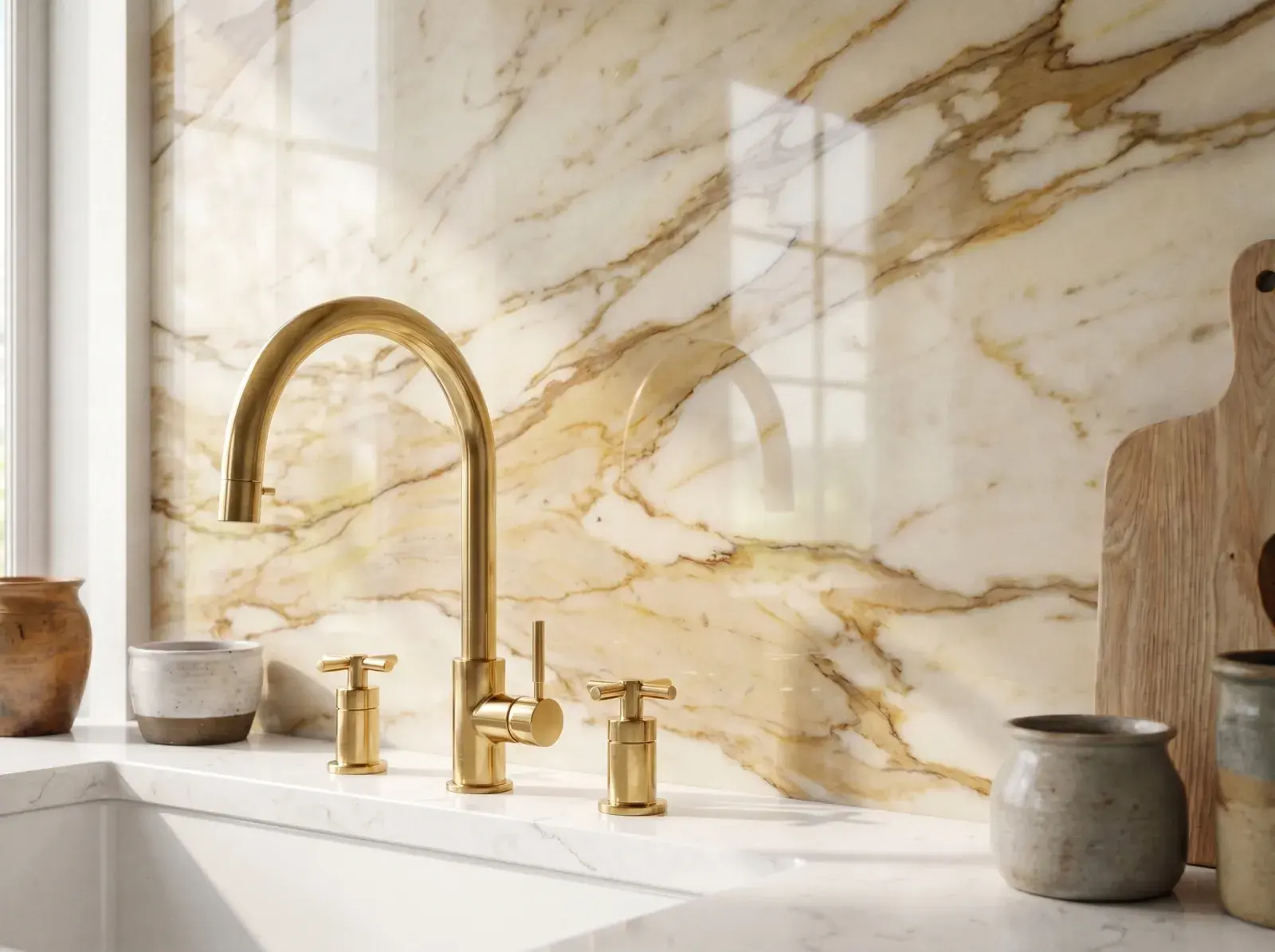
BACKSPLASH PREVIEW TOOL

Kitchen Backsplash Visualizer

Upload a photo of your kitchen and test new backsplash materials behind your existing counters and cabinets. Compare subway tiles, zellige, light matte ceramic, and full-height stone slabs.

Your kitchen photo

No photo handy? Try one:

Mode

Keep layout, change the look
Change the layoutComing soon

Cabinets, appliances and the island stay where they are. Colors, materials and style change.

QualityLow · 1 credit

Standard and high quality are on paid plans.

What to changeBacksplash

Backsplash · Material · AI picks if you skip

Style (optional)No style picked
Image formatAs the photo

We keep the proportions of your photo.

Anything else? (optional)Optional
0/300

What we will ask for

  • Update: Backsplash (AI picks).
  • Layout, walls, windows and doors stay as they are.

Add a photo first

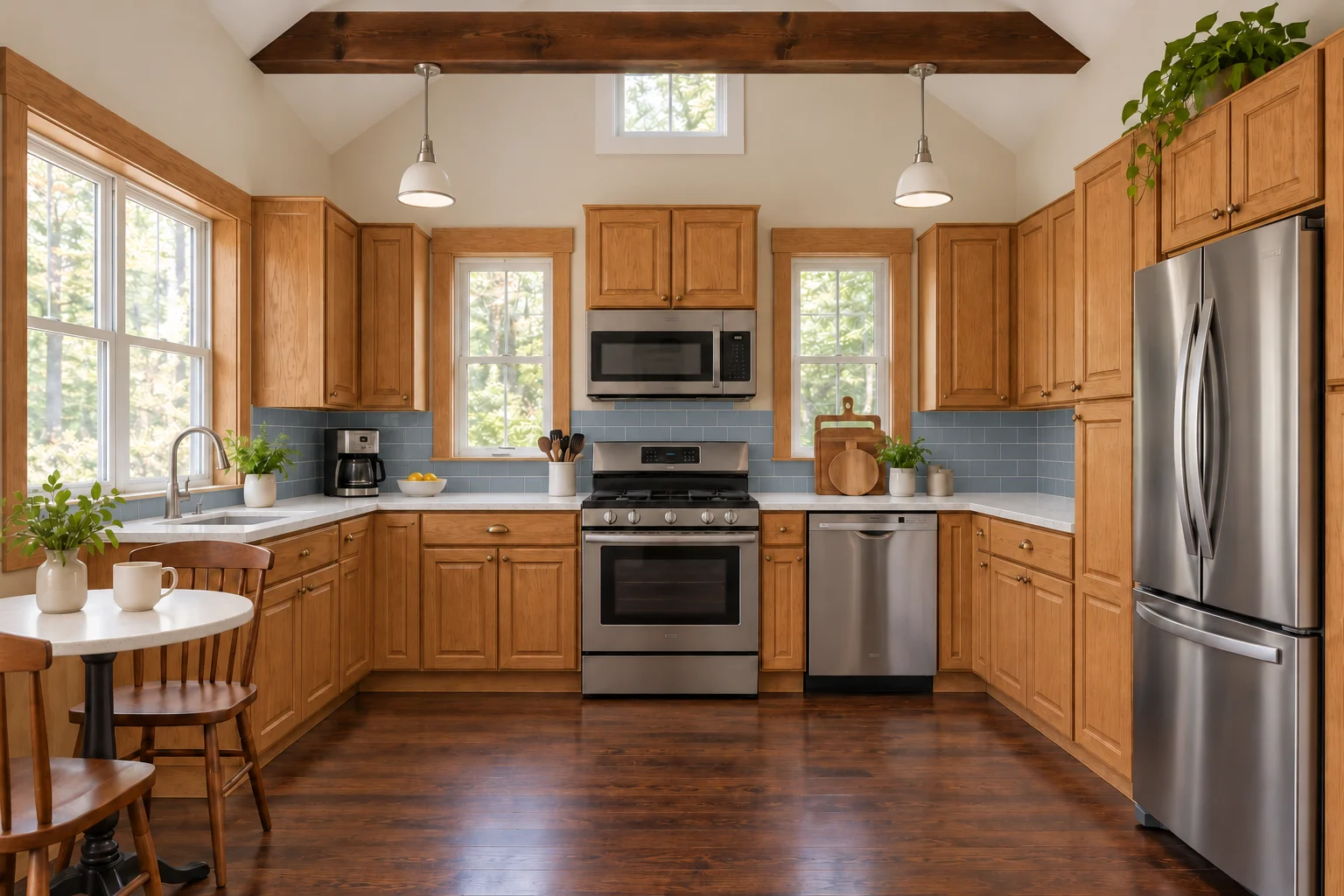
Kitchen preview

See your kitchen redesigned

Upload a photo, choose what to change, and compare the before and after. Walls, windows and the camera angle stay as they are.

BeforeAfterBeforeAfter
Backsplash · Subway tiles

BACKSPLASH IDEAS

Compare Tile and Stone Backsplashes on Your Kitchen Photo

The wall between your counter and upper cabinets ties your kitchen palette together. Drag the slider to see how brick-laid subway tile, handcrafted zellige, and continuous stone slabs transform the room.

SCENARIO 01 · TIMELESS GROUT LINES

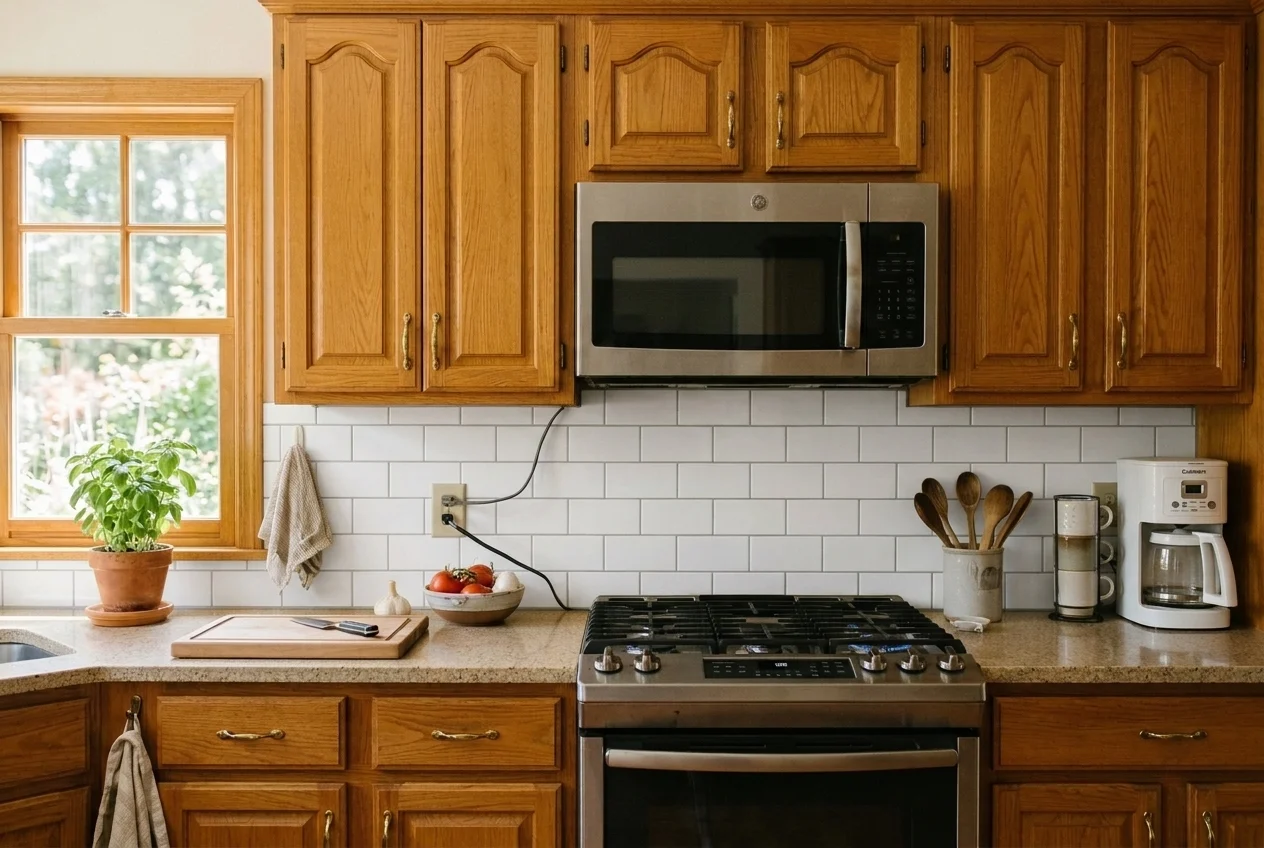
Classic White Subway Tile Backsplash

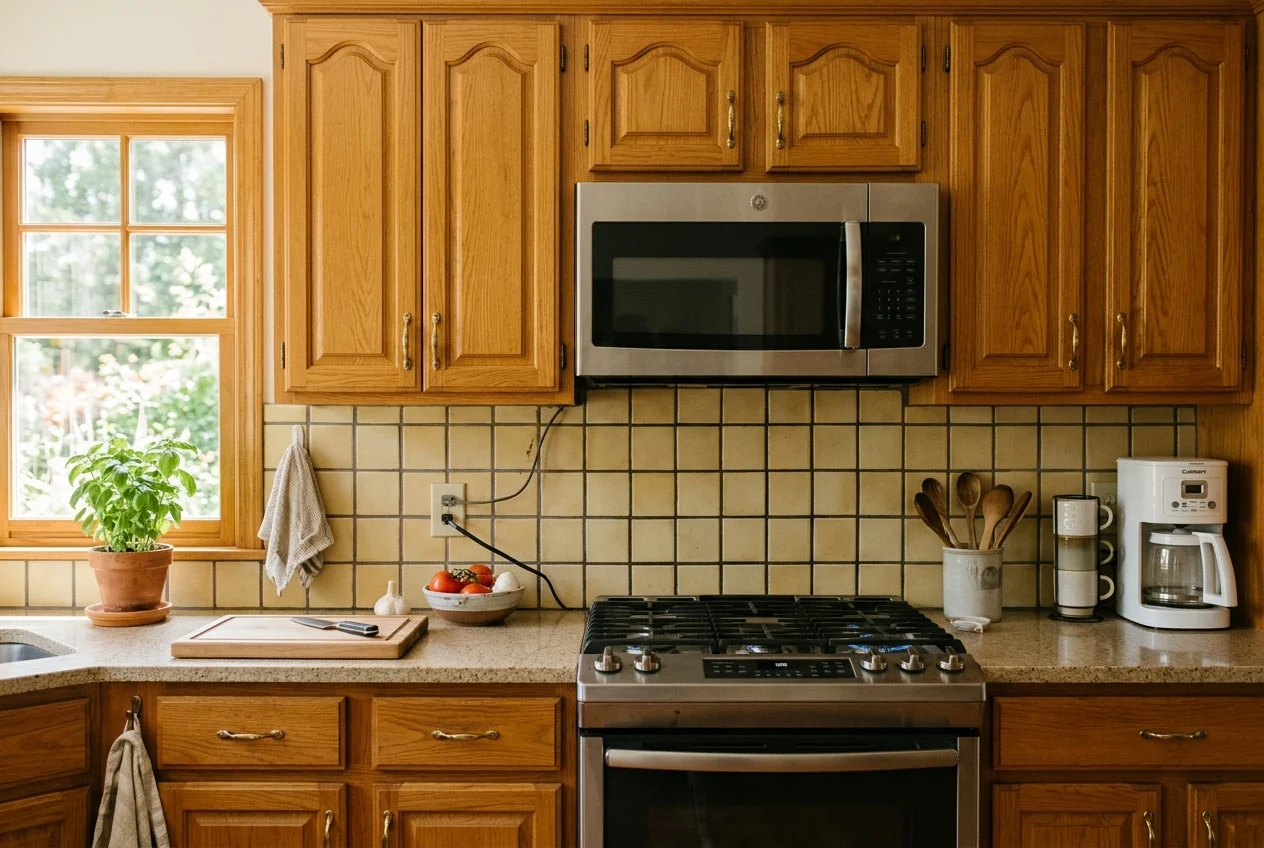
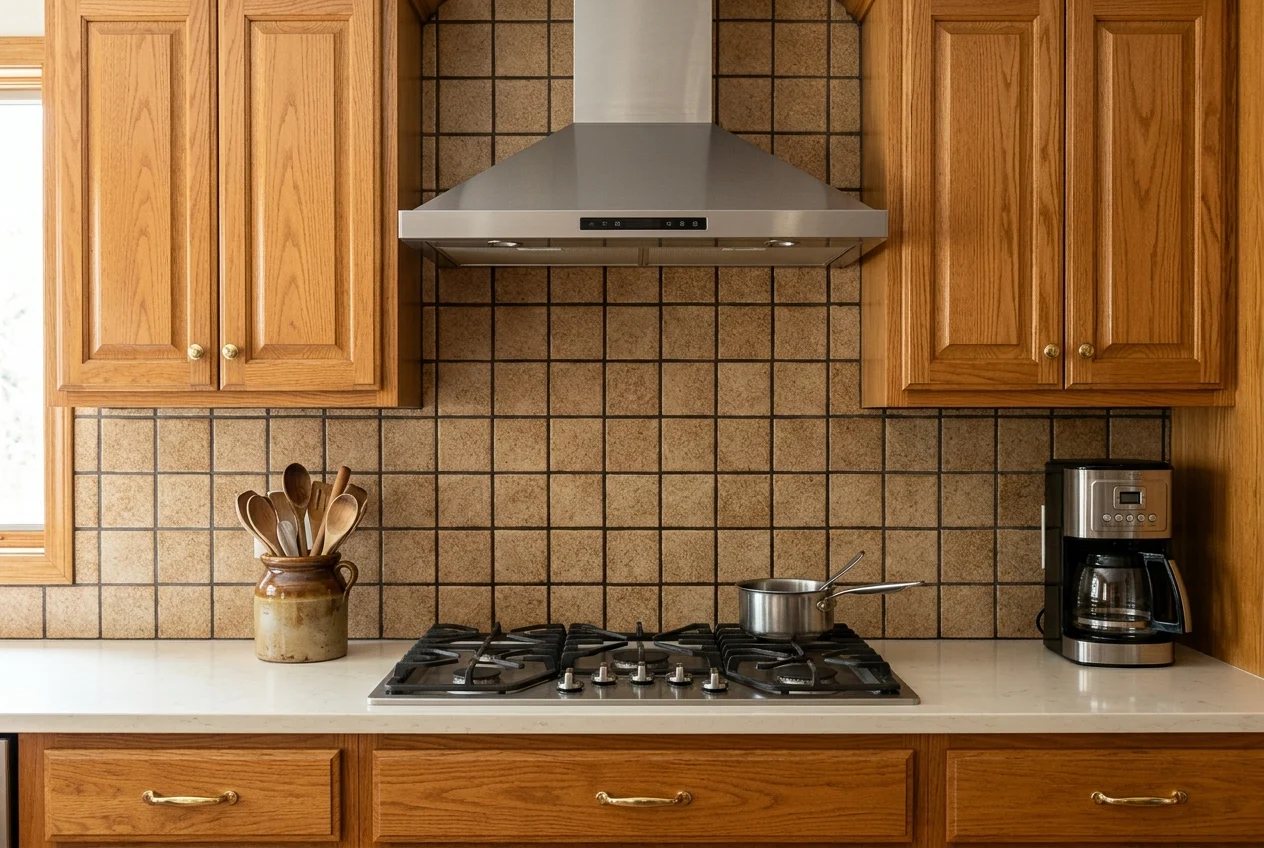
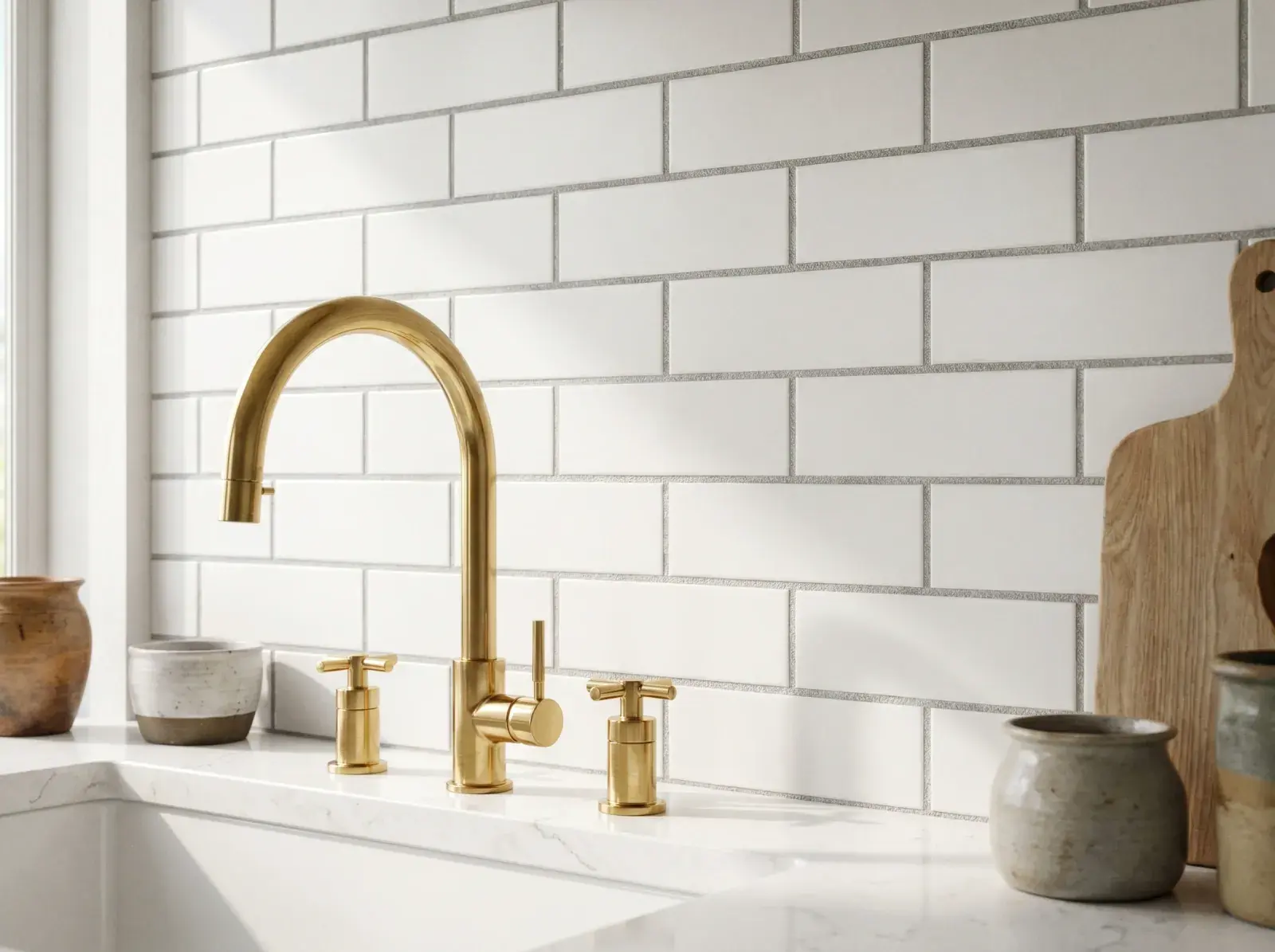
Replace dated 4-inch beige squares with clean rectangular subway tiles and narrow light-gray grout lines. See how a bright horizontal brick pattern refreshes wood cabinets without competing with your countertop.

  • Brightens the shadowy wall zone under upper cabinets
  • Suits traditional, modern farmhouse, and transitional kitchens
Try Subway Tiles
The same honey-oak kitchen updated with a crisp white 3x6 subway tile backsplash
Honey-oak kitchen range zone with dated yellowish-beige 4x4 square tiles before restyling
BeforeAfter

SCENARIO 02 · ARTISAN COLOR & TEXTURE

Handcrafted Sage Zellige Tile with Glazed Variation

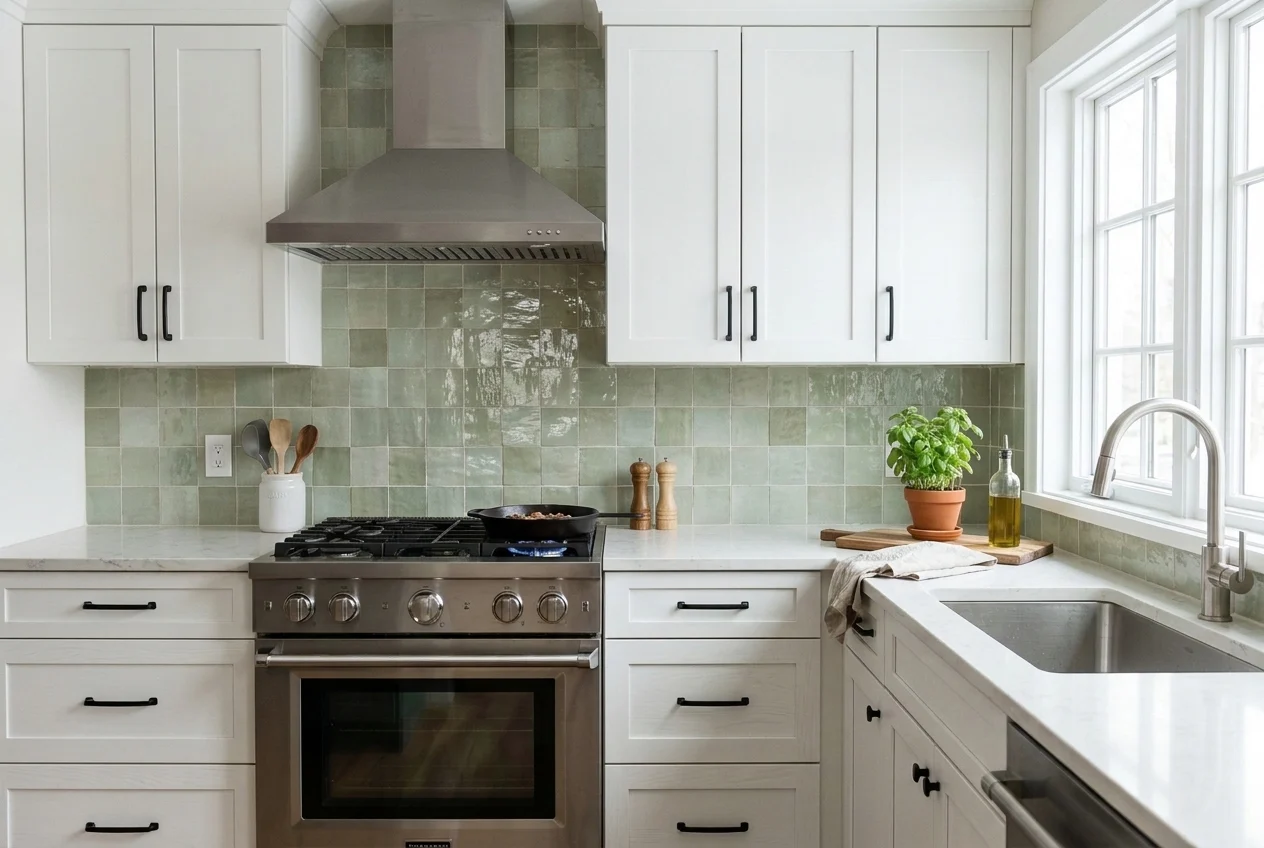
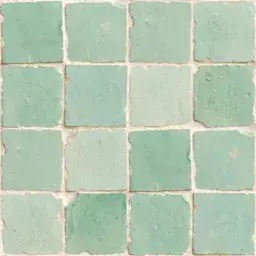
Want more personality than flat white ceramic? Preview soft sage-green zellige tiles with subtle handmade surface undulation to see how organic glaze reflections play with your existing counters.

  • Adds gentle earthy color without overwhelming a compact room
  • Shows how glossy handmade texture catches under-cabinet light
Try Zellige Tile
The same white shaker kitchen updated with handcrafted sage-green zellige backsplash tiles
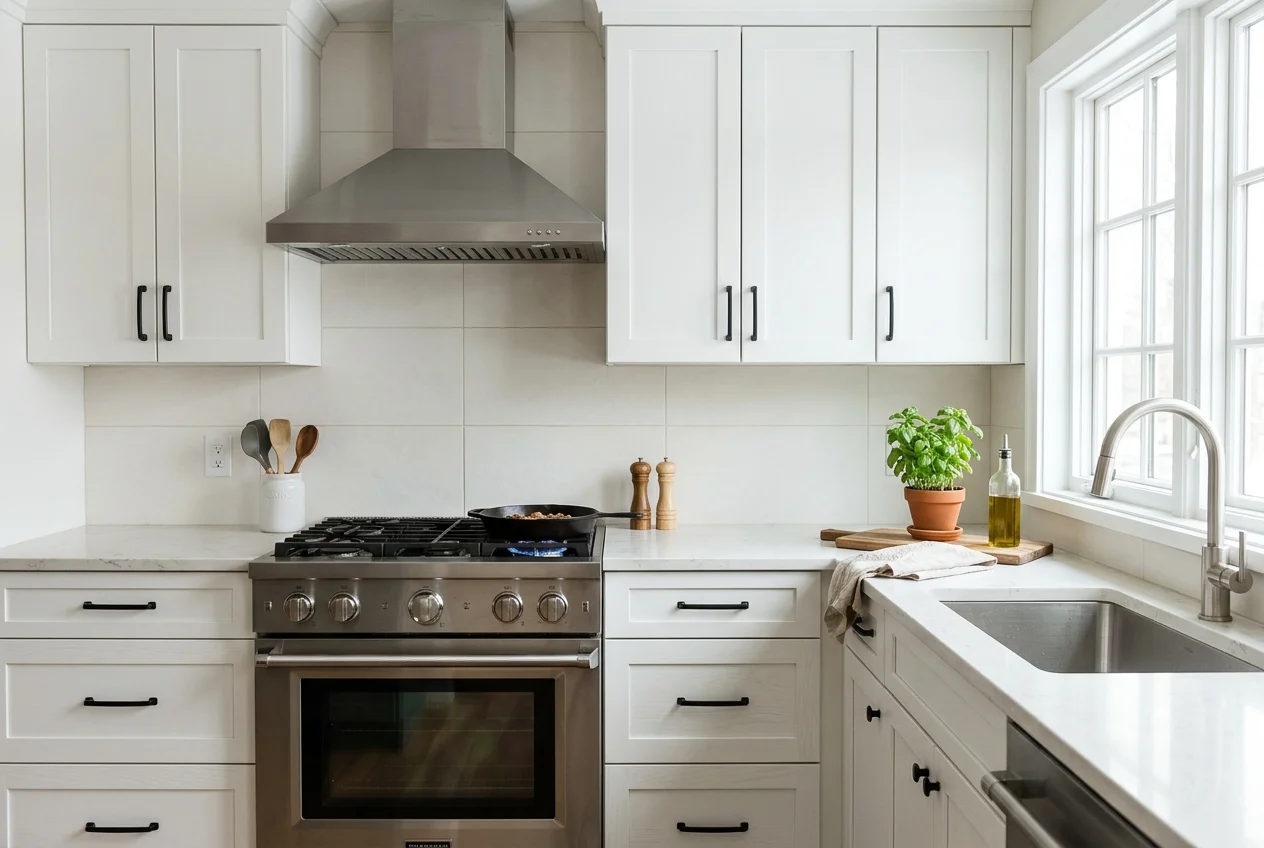
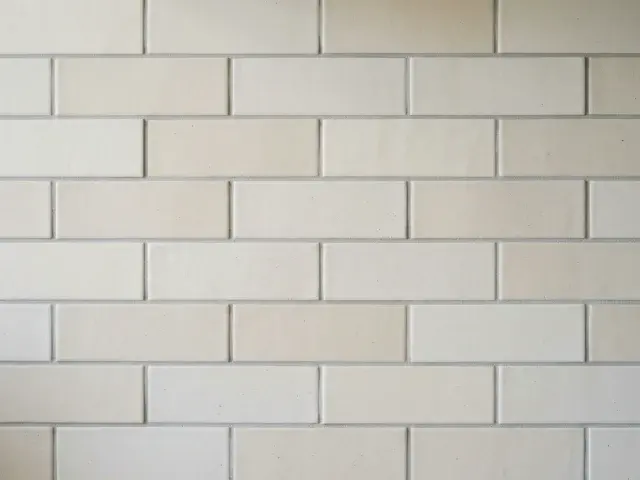
White shaker kitchen range wall with plain matte off-white square tiles before restyling
BeforeAfter

SCENARIO 03 · SEAMLESS & GROUT-FREE

Full-Height Continuous Stone Slab Backsplash

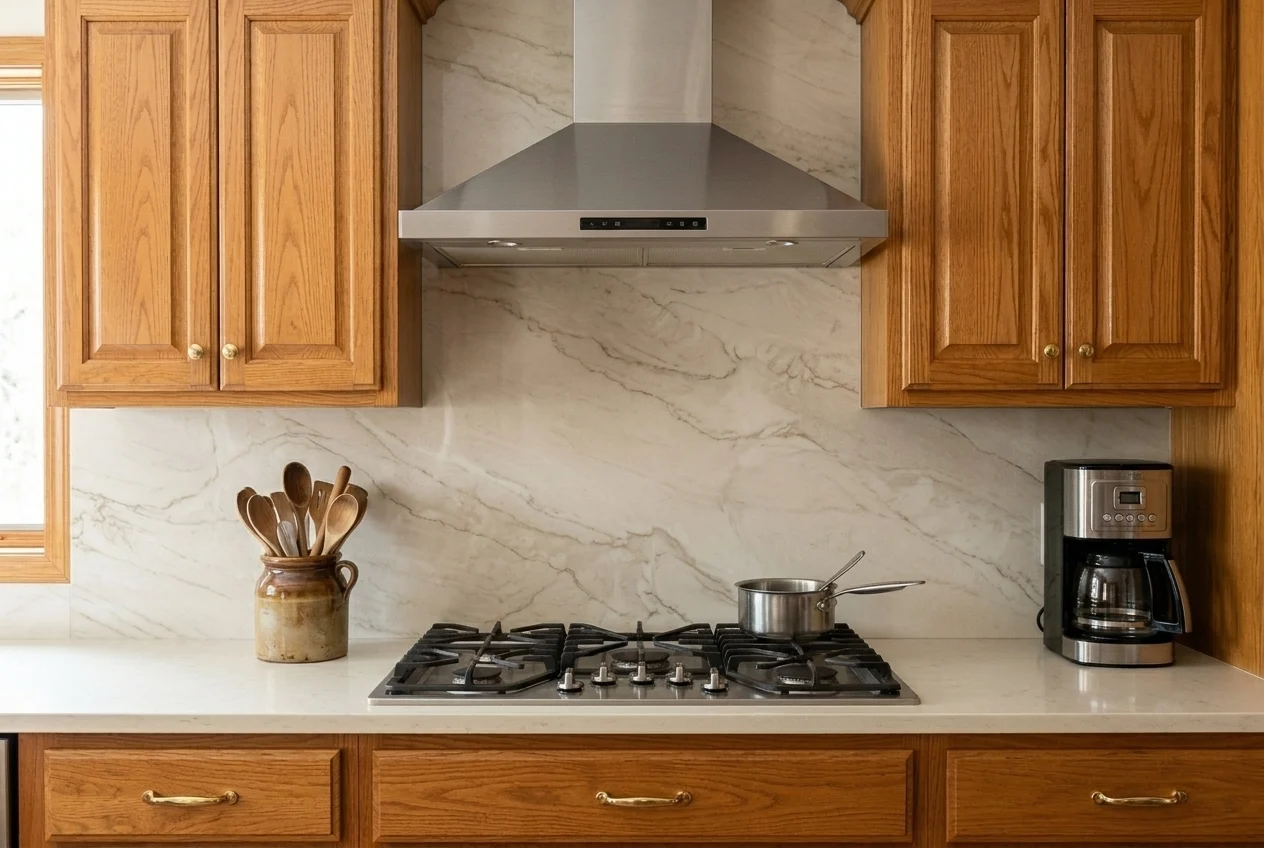
Skip tile grout lines altogether and preview a continuous veined stone slab running from the countertop up to the upper cabinets. Ideal for checking whether a seamless stone wall elevates your range zone.

  • Eliminates busy grout grids behind the cooktop and sink
  • Creates a calm, continuous architectural backdrop
Try Stone Slab
The same warm oak kitchen updated with a seamless full-height veined stone slab backsplash
Warm oak kitchen range wall with small beige 3x3 grid tiles before restyling
BeforeAfter

SURFACE COMPARISON

Backsplash Surfaces You Can Try

Backsplash is pre-selected in the generator above. Compare how each wall finish interacts with your counters and click any option to load it directly.

Note: AI previews help you judge color harmony, light vs. dark contrast, and tile scale vs. full slab. Grout spacing and outlet positions are approximate—always tape physical tile samples to your wall under your kitchen lighting.

HOW IT WORKS

How the Backsplash Visualizer Works

  1. 01

    Upload your kitchen photo

    Choose a well-lit photo that clearly shows the wall area between your countertop and upper cabinets. JPG, PNG, and WEBP up to 10 MB are supported.

  2. 02

    Choose a backsplash surface

    Backsplash is already selected. Pick light matte tiles, zellige, subway tiles, stone slab, or type your own tile shape and glaze color.

  3. 03

    Compare with your original room

    Press Generate and slide between Before and After to see how the new wall surface works with your cabinets, hardware, and lighting.

FREQUENTLY ASKED QUESTIONS

Questions About the Kitchen Backsplash Visualizer

How do I use the kitchen backsplash visualizer upload photo feature?
Click the upload box at the top of the page and select a JPG, PNG, or WEBP photo of your kitchen. Backsplash is pre-selected, so you can immediately pick subway tile, zellige, light matte tile, or stone slab and click Generate.
Will my existing cabinets and countertops stay unchanged?
Yes. When only Backsplash is selected under What to change, the instruction tells the AI model to keep your current cabinet doors, countertops, appliances, and room layout intact and only replace the backsplash area.
Can I test custom tile shapes like herringbone or hexagon?
Yes. Under Backsplash · Material, choose Write your own and enter a short description up to 80 characters, such as warm white herringbone tile with light gray grout or vertical stacked sage green tiles.
Can I test a backsplash and countertop combination together?
Yes. Click the Countertop chip in the What to change section to add it to your request, then pick both a countertop material and a backsplash finish before generating.
How many credits does each backsplash preview use?
Low quality uses 1 credit per generation, Standard uses 2 credits, and High uses 5 credits. The Generate button always displays the exact credit cost before you start.

See a new backsplash in your own kitchen

Upload your kitchen photo and test your first tile or stone slab option above.