Tools

AI Kitchen Design

Upload a kitchen photo, pick what to change, and explore your next idea.

Your kitchen photo

No photo handy? Try one:

Mode

Keep layout, change the look
Change the layoutComing soon

Cabinets, appliances and the island stay where they are. Colors, materials and style change.

QualityLow · 1 credit

Standard and high quality are on paid plans.

What to changeNothing picked yet
Style (optional)No style picked
Image formatAs the photo

We keep the proportions of your photo.

Anything else? (optional)Optional
0/300

Pick a part, a style, or write a note

Kitchen preview

See your kitchen redesigned

Upload a photo, choose what to change, and compare the before and after. Walls, windows and the camera angle stay as they are.

BeforeAfterBeforeAfter
Example

REAL BEFORE & AFTER CASES

Compare Three Kitchen Restyle Modes Side by Side

Drag each slider between your starting photo and the generated concept. Seeing how surface swaps differ from full-room restyles helps you pick the right scope before generating.

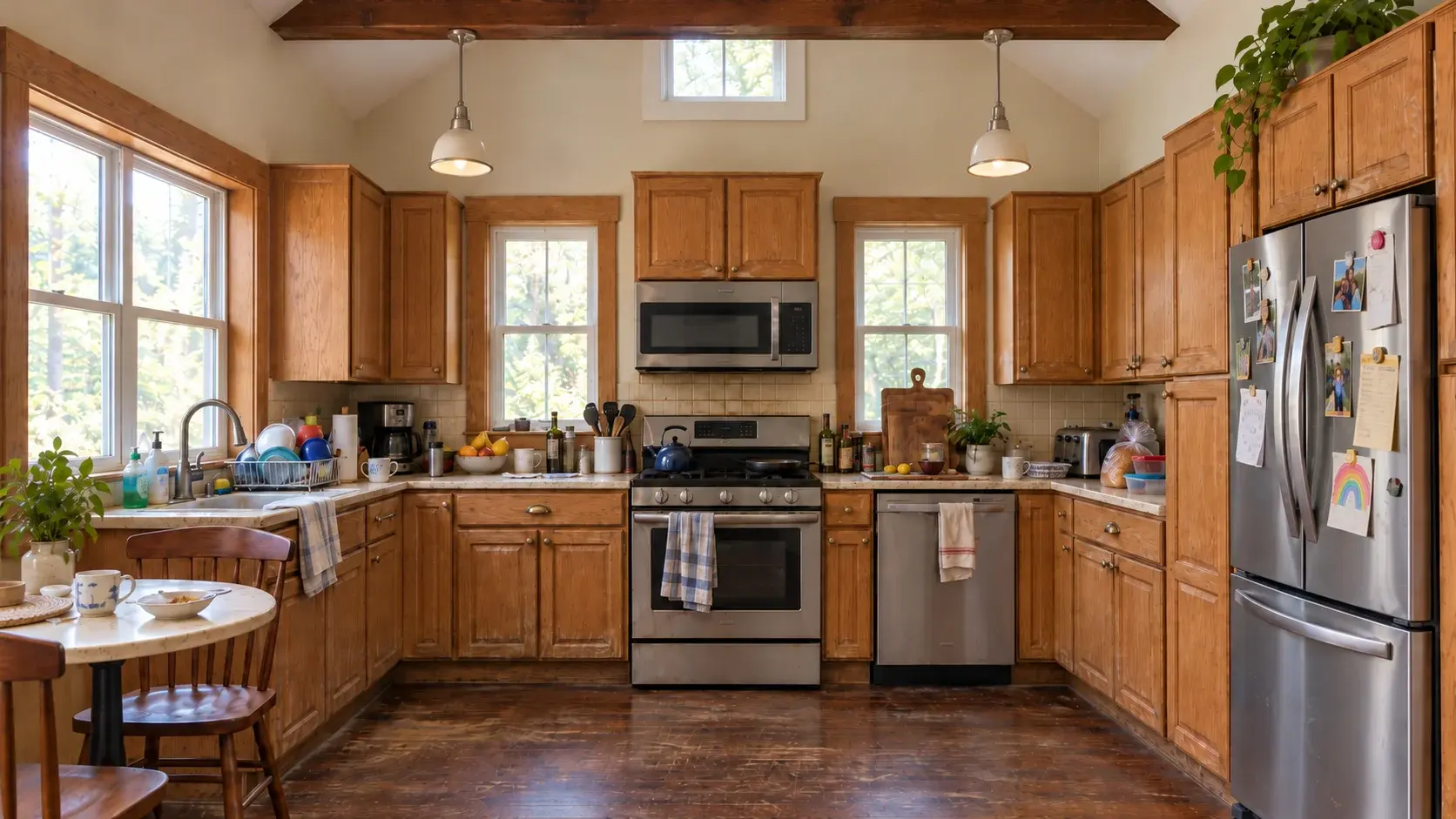
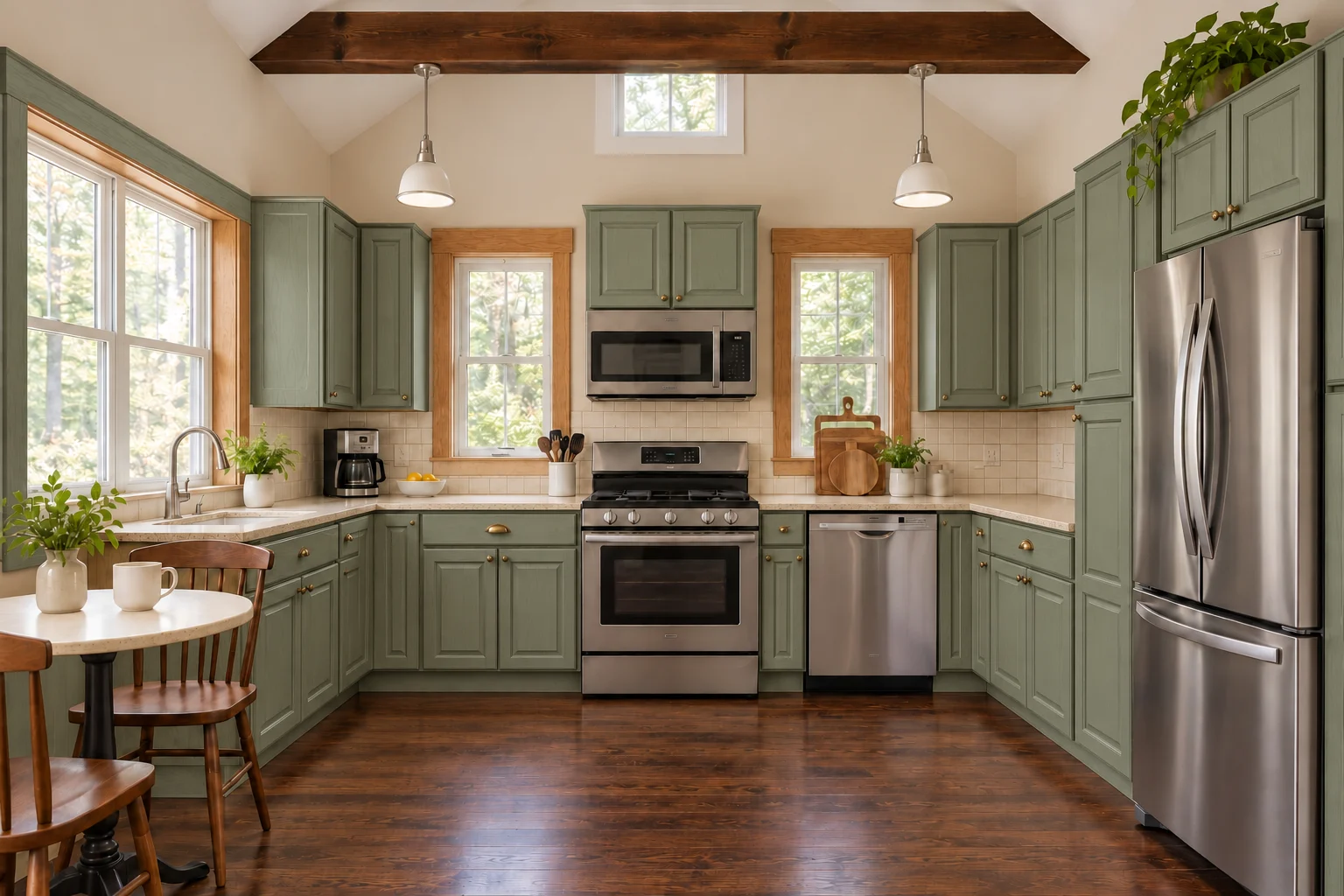
The same U-shaped kitchen with muted sage green cabinets while counters, tile, and appliances stay unchanged
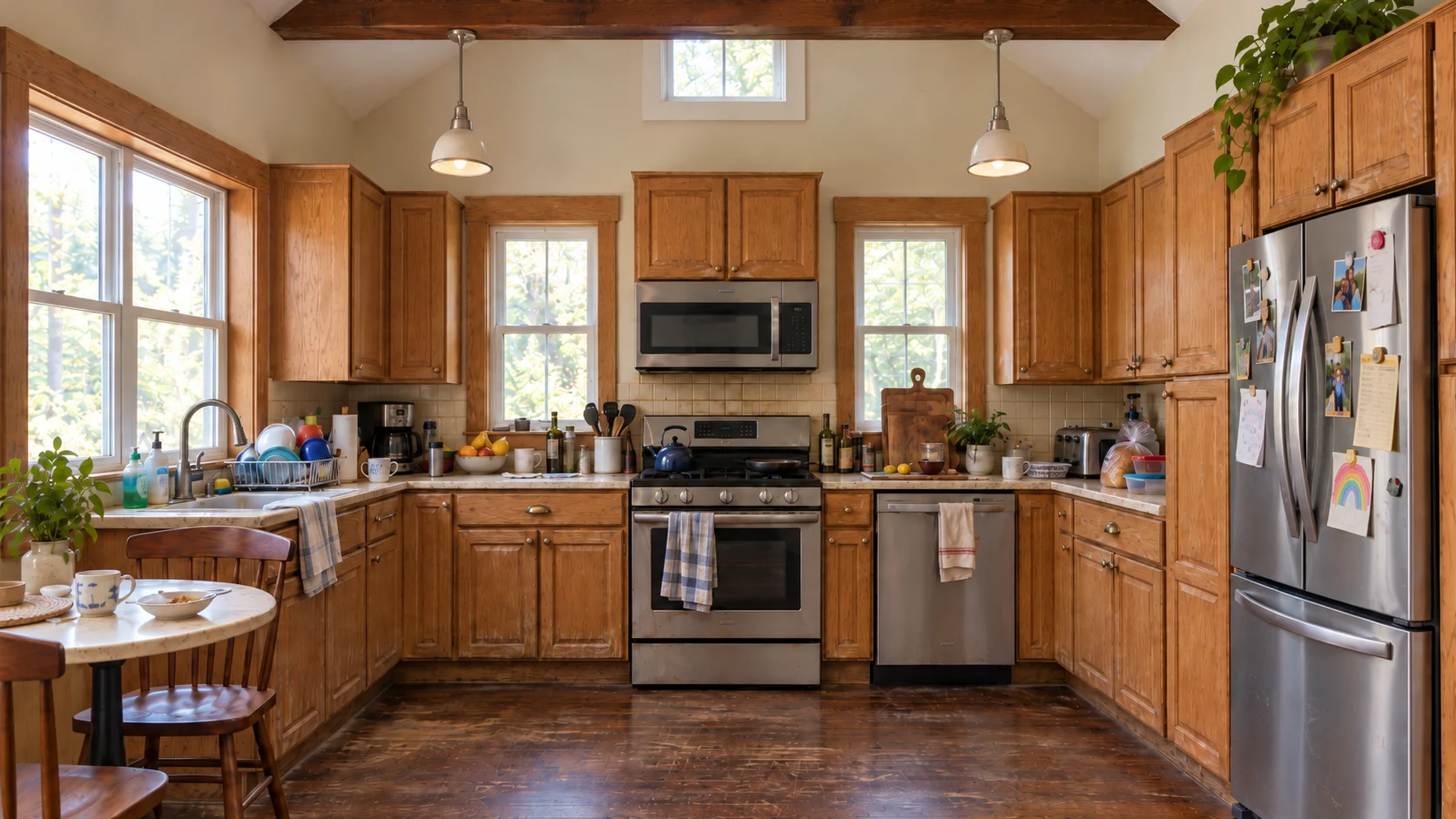
U-shaped kitchen with dated honey-oak raised-panel cabinets, beige speckled counters, and cream backsplash tile
BeforeAfter

SURFACES ONLY · CABINETS

Honey-Oak Doors to Muted Sage Green

Requested sage green paint on the existing raised-panel doors while leaving every wall, appliance, and countertop untouched. Good for testing paint undertones under your actual ceiling lights.

Kept unchanged: beige speckled counters, cream square backsplash tile, oak trim, window, stove, and camera angle.
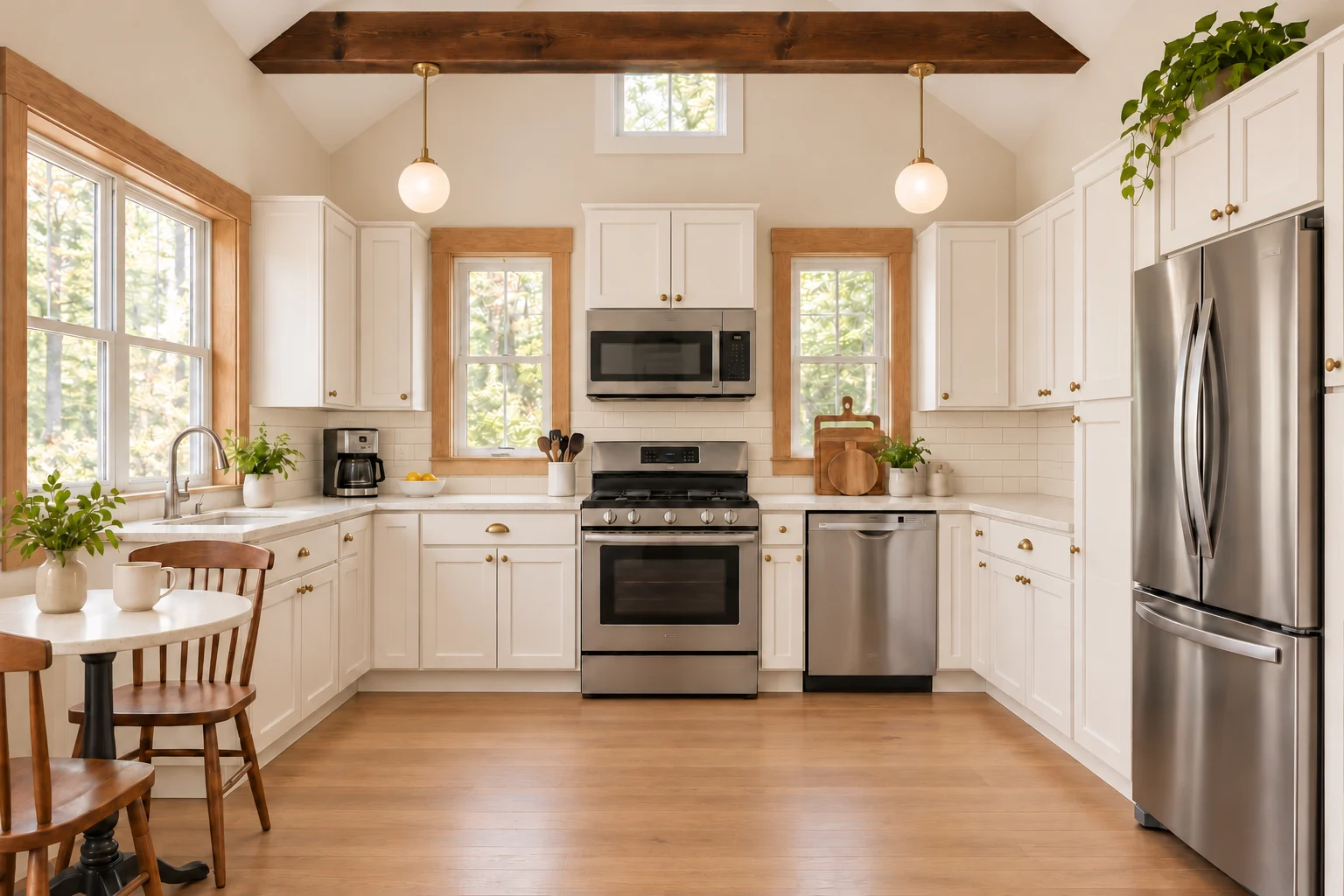
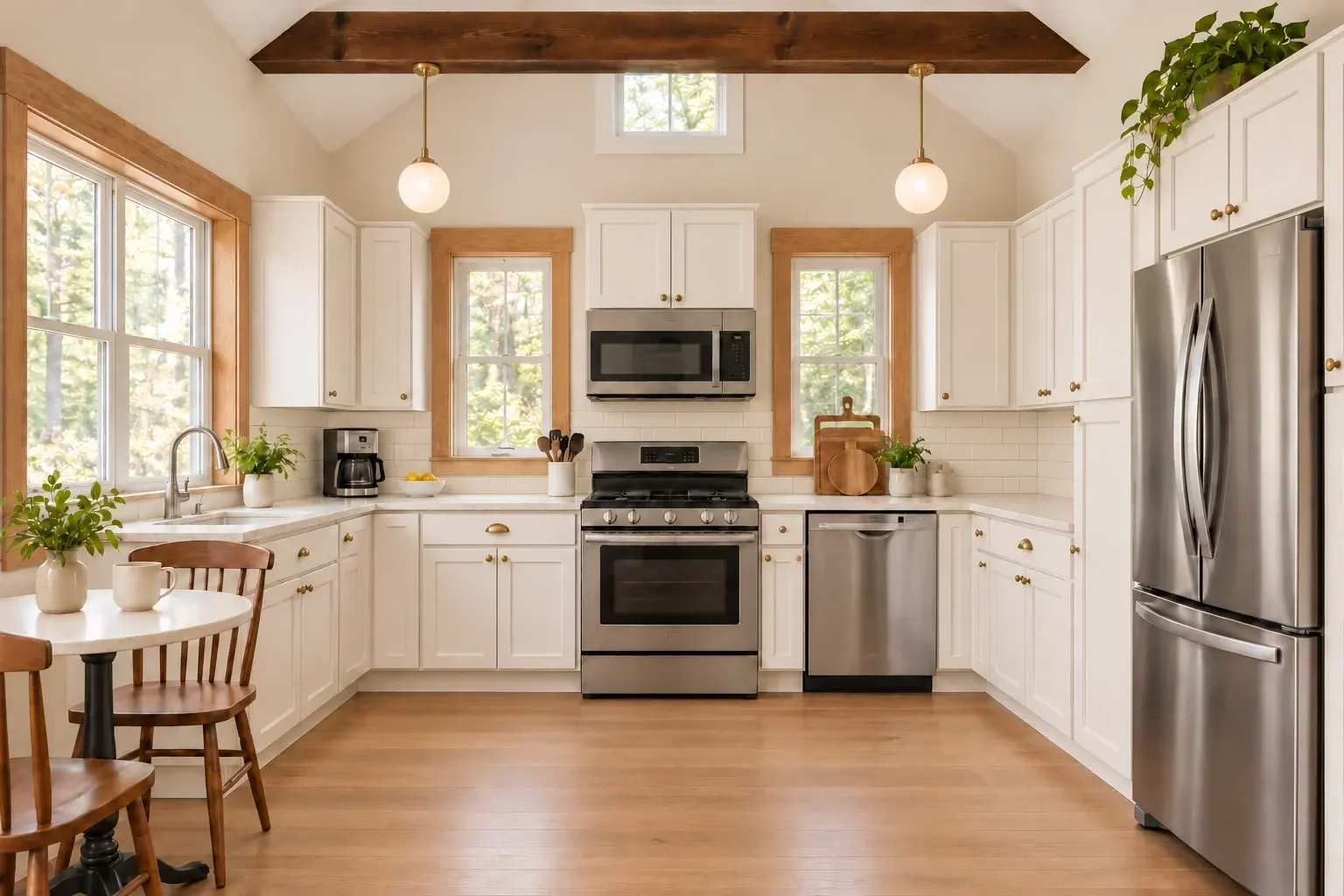
The same kitchen restyled with warm white shaker cabinets, light quartz countertops, ivory subway tile, and brass pendants
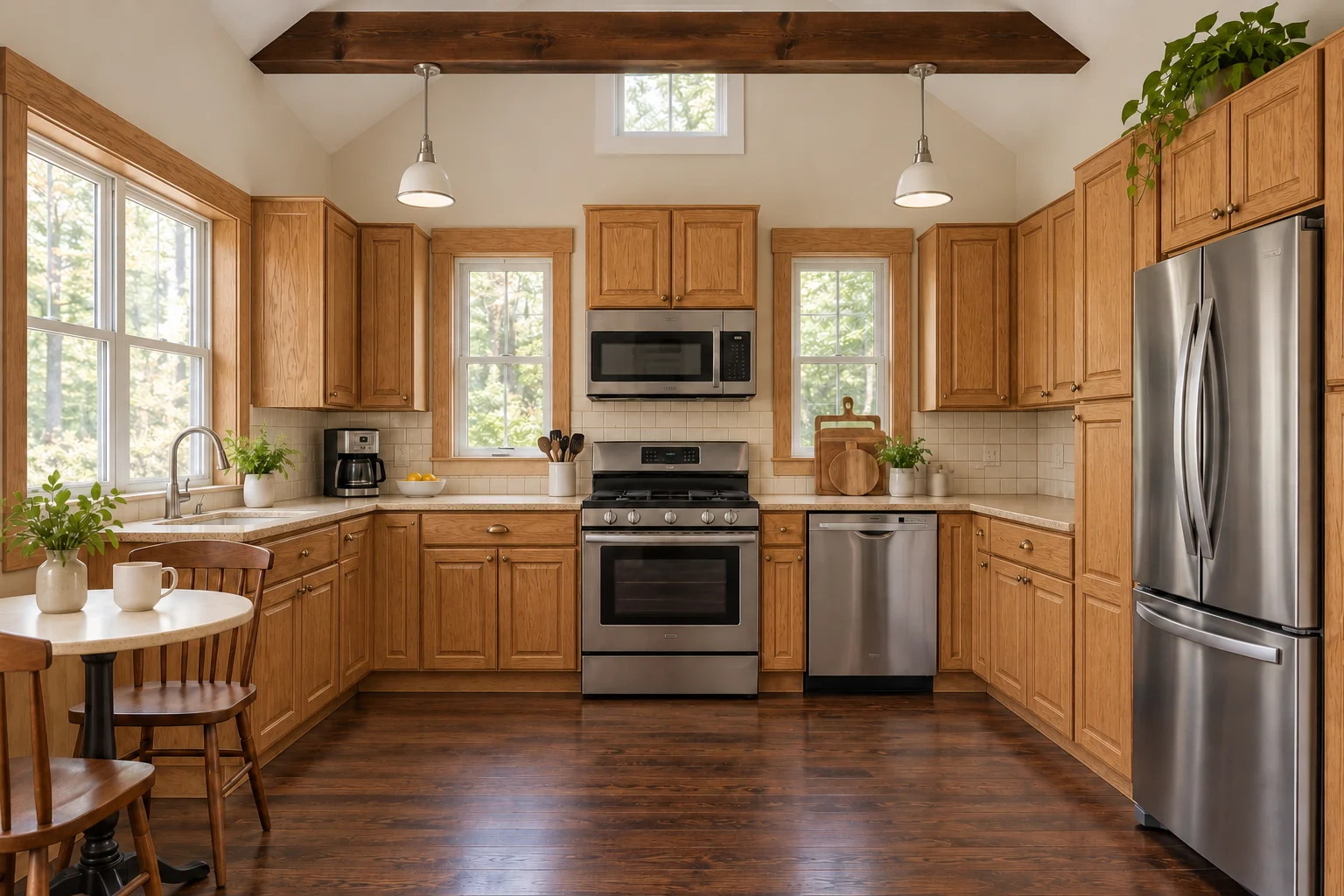
Original U-shaped oak kitchen with dark brown counters and dated fixtures before full restyling
BeforeAfter

FULL MAKEOVER · TRANSITIONAL STYLE

Complete Surface and Fixture Refresh in the Same Room

Updated cabinetry to warm white shaker doors, paired with pale quartz counters, ivory subway tile, light wood flooring, and warm brass pendant fixtures without moving plumbing or walls.

Kept unchanged: U-shaped footprint, window opening, sink position, range location, and overall room proportions.

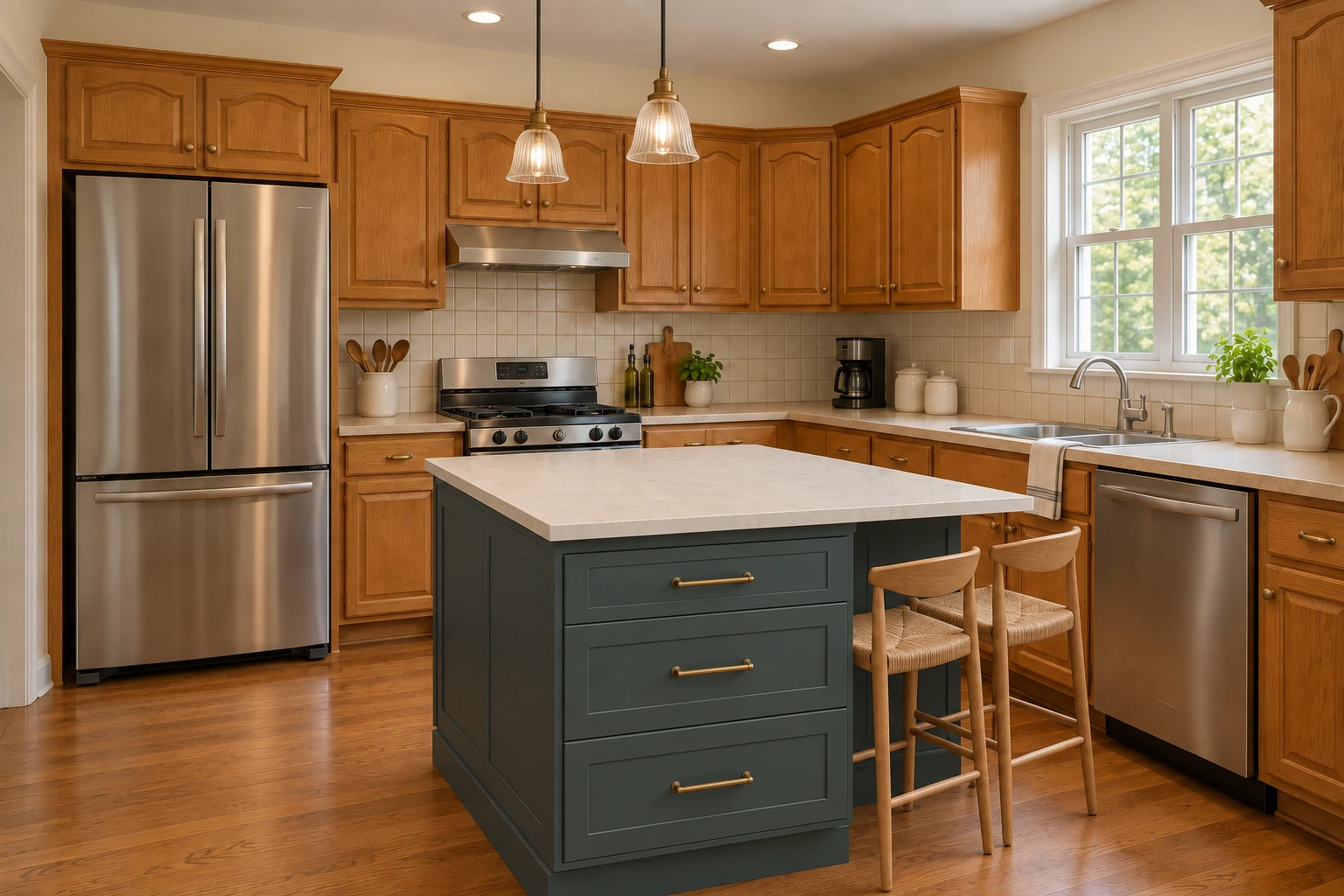
The same oak kitchen with a restyled deep gray-green island, light stone top, woven stools, and ribbed glass pendants
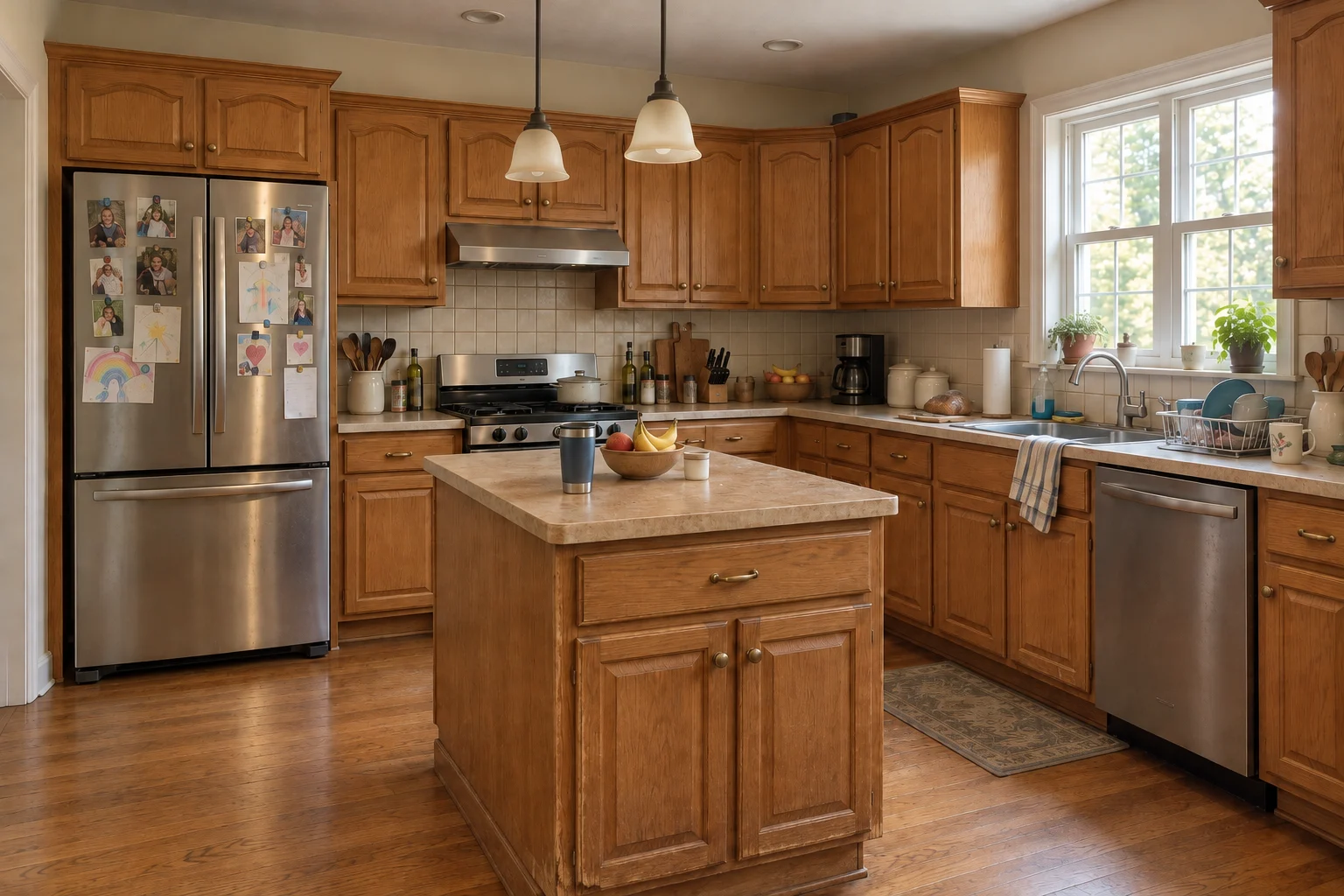
Oak kitchen featuring a small, dated wood island before restyling
BeforeAfter

ISLAND FOCUS · CONTRASTING BASE

Two-Tone Kitchen Island Update

Refreshed only the central island with deep gray-green cabinetry, brass pulls, a light stone countertop, woven stools, and ribbed glass pendants while keeping perimeter oak cabinets intact.

Kept unchanged: surrounding perimeter oak cabinetry, wall layout, refrigerator placement, and natural daylight angle.

Choose what you want to refresh

Pick one part or combine a few. Choose a pictured option or describe your own finish. Add a style if you want to tie the look together.

Cabinets
Explore cabinet colors and finishes, from warm white to natural oak.
Countertop
Compare light quartz, marble, wood and other countertop looks.
Backsplash
Try a different tile, color or stone surface behind the countertop.
Floor
See how wood tones or tile finishes change the feel of the room.
Lighting
Explore fixture finishes such as brushed brass, matte black or glass.
Island
Try a contrasting island color if your kitchen already has an island.

PHOTO & LIGHTING GUIDE

How Lighting Temperature and Camera Angle Affect Your Preview

The AI reads color undertones and room perspective directly from your uploaded photo. A quick setup adjustment before shooting prevents skewed cabinet proportions and unwanted yellow or blue color shifts.

Shoot at chest to eye level

Stand squarely facing the main wall of cabinets at chest to eye height rather than shooting down from a step stool or tilting upward. Keep the top trim of upper cabinets, the front edge of the countertop, and the base kickplate inside the frame so the model preserves accurate vertical lines and perspective.

Watch 2700K vs 4000K bulb color shift

Warm 2700K kitchen bulbs cast an amber tint that makes warm white paint look creamy yellow and turns sage green toward olive. For truer hues on pale quartz, cool marble, or deep navy cabinetry, open window blinds during daylight or switch on neutral 4000K overhead lighting before taking your photo.

Clear large counter items and glare

Move tall countertop appliances, cutting boards, and dish racks out of the shot so the model can see the full countertop depth and backsplash boundary. Avoid shooting straight into bright midday window glare, which washes out stone veining and creates patchy reflections across cabinet doors.

How it works

  1. 1Start with your photo

    Upload a photo of your kitchen. A straight-on shot with good light works best.

  2. 2Choose the changes

    Pick the parts, colors and a style. Check the summary of your request.

  3. 3Compare the result

    Press Generate. The new photo appears first. Switch to Before to see the original.

Use the image to explore a look

The current mode asks AI to keep your kitchen layout and change its appearance. Moving walls, cabinets or appliances is not available yet.

AI may alter details even when asked to keep them. Check openings, appliances, cabinet divisions and proportions. Confirm measurements and materials separately before planning building work.

FAQ

Will the walls, windows and cabinets stay in place?

In "Keep layout, change the look", our instruction asks the model to keep walls, windows, doors, the camera angle and the position of every cabinet, appliance and the island, and to change only the parts you pick. If you pick nothing but a style, it refreshes the look of the whole kitchen and keeps the sink, cooktop and refrigerator where they are. A model can still get this wrong, so switch between Before and After to check the result against your photo.

How many credits does a generation cost?

The Generate button shows the exact number of credits before you press it.

What happens if a generation fails?

When a generation fails, the system attempts to return its credits. The message tells you whether the refund is confirmed. If the result is still being checked, use “Continue checking” to check the same task without another charge.

Is there a watermark?

Yes, results on the free plan carry a watermark.

Will the option pictures match my result exactly?

The option pictures are appearance references. AI uses your photo and a written description of your choices; the option pictures are not sent as reference images. Lighting, materials and small details can differ in the result.

Should I pick Cabinets & countertops only or Full makeover?

Choose Cabinets & countertops only when you plan to paint doors, swap hardware, or replace stone tops without redoing floors and lighting. Choose Full makeover when you want to test how new cabinetry, backsplash tile, flooring, and pendant fixtures work together as one cohesive room concept.

How can I use these previews with a cabinet maker or contractor?

Download two or three favorite concepts and bring them to your showroom visit alongside physical paint fan decks and stone samples. Use the generated images to communicate door profile contrast, sheen direction, and overall color balance, then verify exact undertone matches under your home lighting with real sample boards.

MORE KITCHEN VISUALIZERS

Focus on a single surface or refresh your whole kitchen from the same photo.

What could your kitchen look like?

Start with a photo and one change you would like to see.

Back to the generator